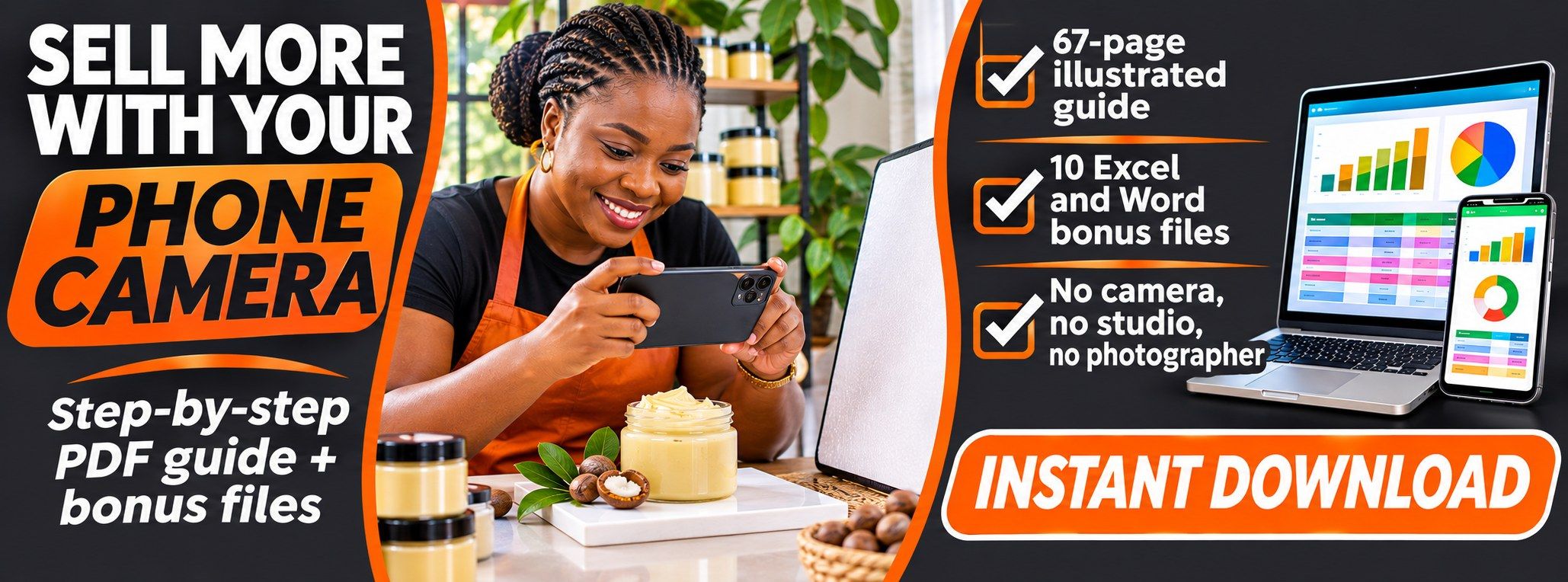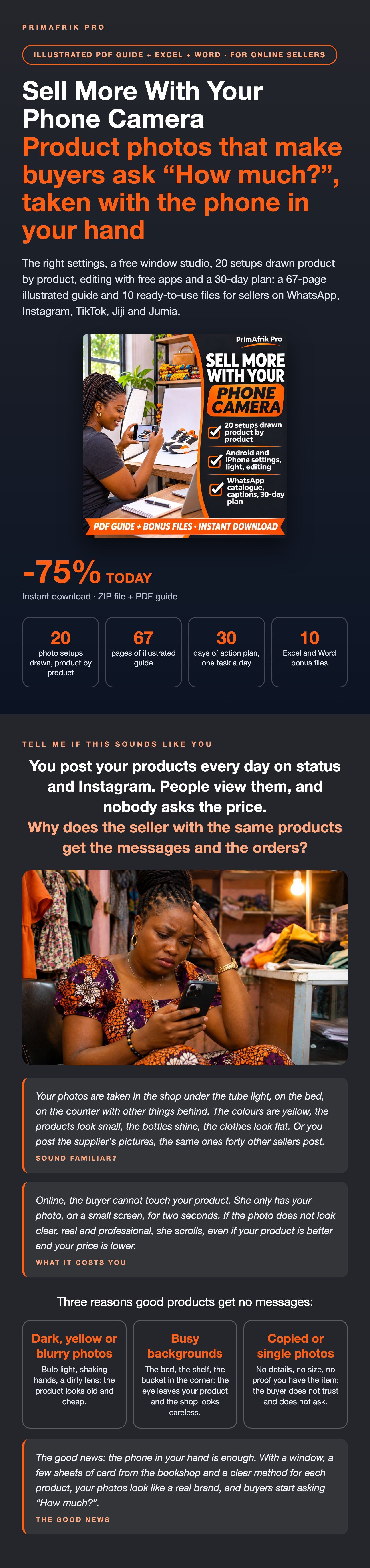
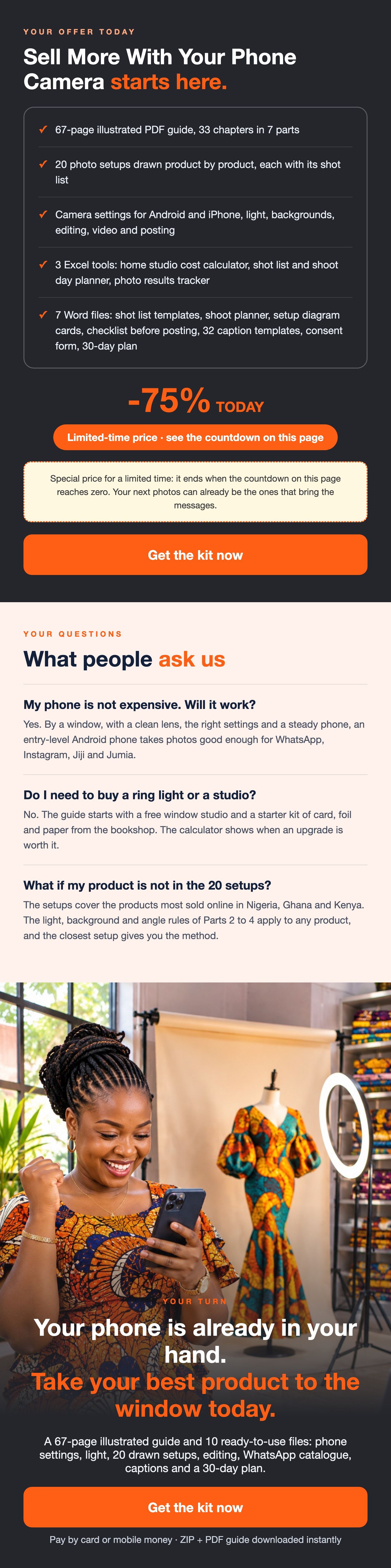
Sell More With Your Phone Camera: a 67-page illustrated guide + 10 bonus files for online sellers
Product photography for sellers on WhatsApp, Instagram, TikTok, Jiji and Jumia in Nigeria, Ghana and Kenya: the right phone settings, window light and DIY reflectors, backgrounds from the market, 20 setups drawn product by product, editing with free apps, a WhatsApp catalogue that sells and a 30-day action plan. No camera, no studio, no photographer.
What you receive (ZIP file + PDF guide):
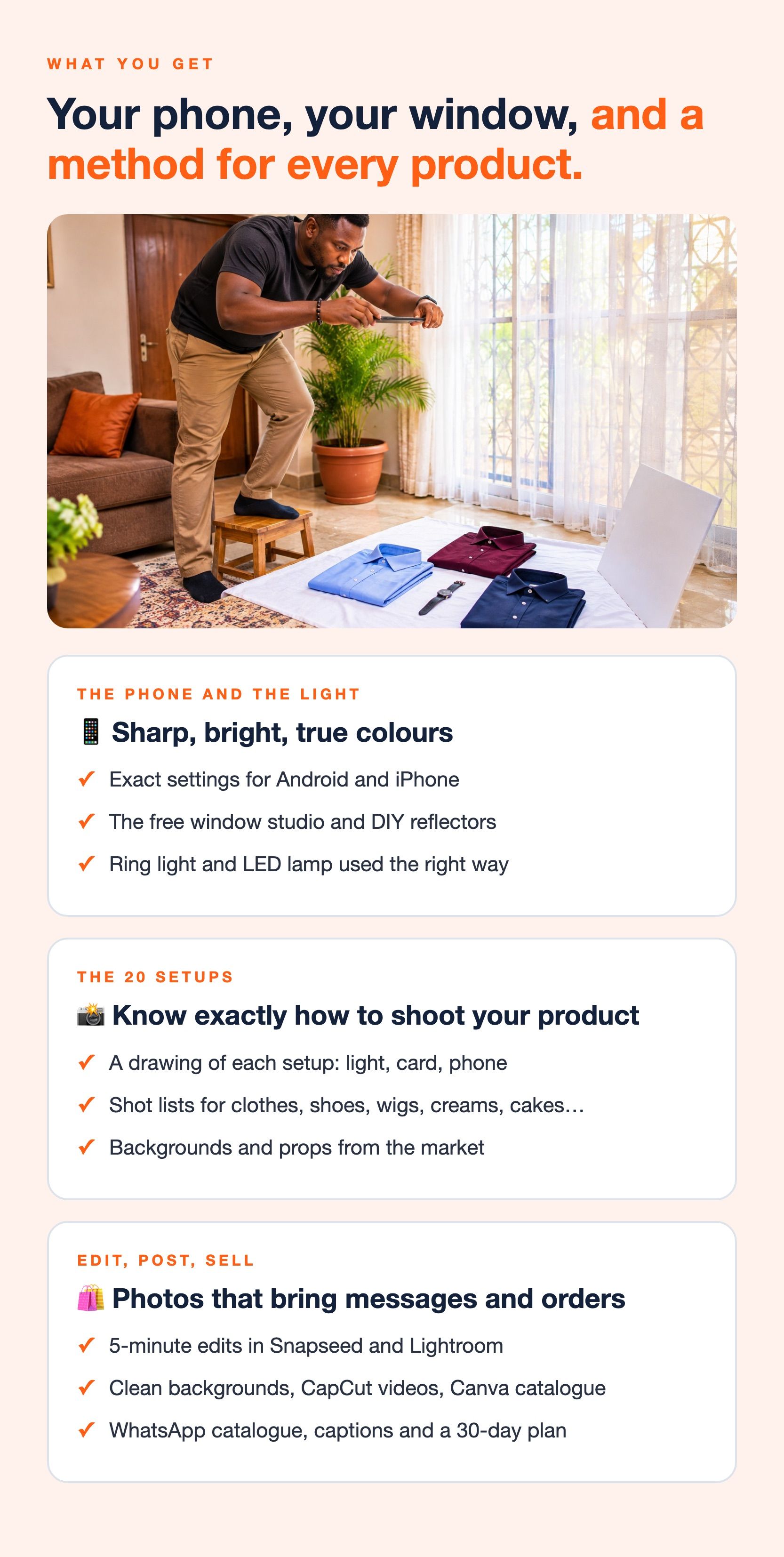
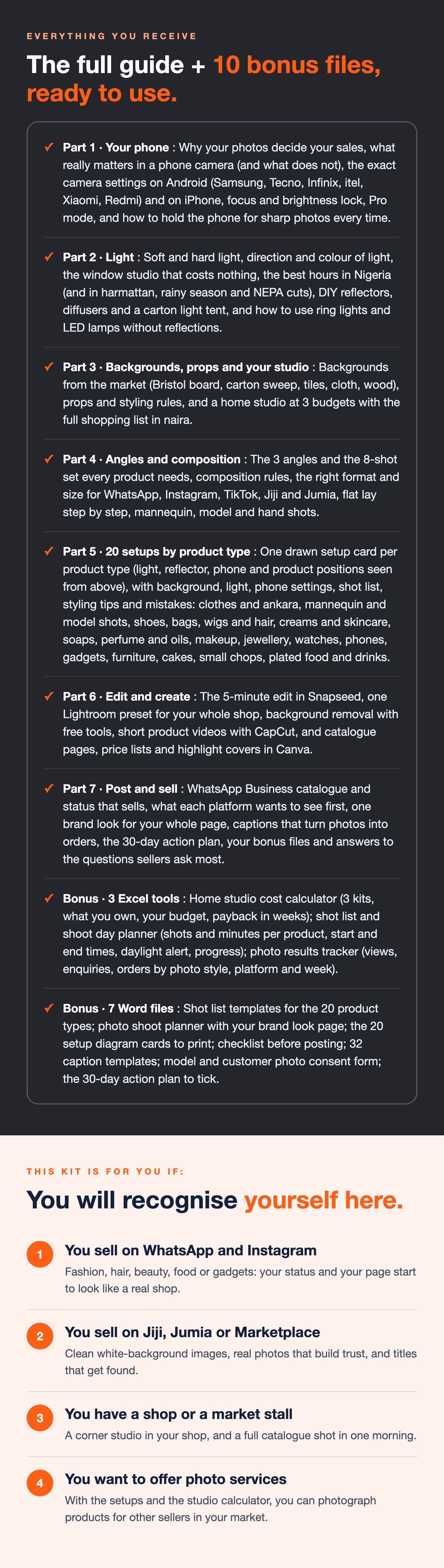
✅ Part 1 · Your phone: Why your photos decide your sales, what really matters in a phone camera (and what does not), the exact camera settings on Android (Samsung, Tecno, Infinix, itel, Xiaomi, Redmi) and on iPhone, focus and brightness lock, Pro mode, and how to hold the phone for sharp photos every time.
✅ Part 2 · Light: Soft and hard light, direction and colour of light, the window studio that costs nothing, the best hours in Nigeria (and in harmattan, rainy season and NEPA cuts), DIY reflectors, diffusers and a carton light tent, and how to use ring lights and LED lamps without reflections.
✅ Part 3 · Backgrounds, props and your studio: Backgrounds from the market (Bristol board, carton sweep, tiles, cloth, wood), props and styling rules, and a home studio at 3 budgets with the full shopping list in naira.
✅ Part 4 · Angles and composition: The 3 angles and the 8-shot set every product needs, composition rules, the right format and size for WhatsApp, Instagram, TikTok, Jiji and Jumia, flat lay step by step, mannequin, model and hand shots.
✅ Part 5 · 20 setups by product type: One drawn setup card per product type (light, reflector, phone and product positions seen from above), with background, light, phone settings, shot list, styling tips and mistakes: clothes and ankara, mannequin and model shots, shoes, bags, wigs and hair, creams and skincare, soaps, perfume and oils, makeup, jewellery, watches, phones, gadgets, furniture, cakes, small chops, plated food and drinks.
✅ Part 6 · Edit and create: The 5-minute edit in Snapseed, one Lightroom preset for your whole shop, background removal with free tools, short product videos with CapCut, and catalogue pages, price lists and highlight covers in Canva.
✅ Part 7 · Post and sell: WhatsApp Business catalogue and status that sells, what each platform wants to see first, one brand look for your whole page, captions that turn photos into orders, the 30-day action plan, your bonus files and answers to the questions sellers ask most.
✅ Bonus · 3 Excel tools: Home studio cost calculator (3 kits, what you own, your budget, payback in weeks); shot list and shoot day planner (shots and minutes per product, start and end times, daylight alert, progress); photo results tracker (views, enquiries, orders by photo style, platform and week).
✅ Bonus · 7 Word files: Shot list templates for the 20 product types; photo shoot planner with your brand look page; the 20 setup diagram cards to print; checklist before posting; 32 caption templates; model and customer photo consent form; the 30-day action plan to tick.
Format: one 67-page PDF guide (33 chapters in 7 parts, 20 drawn setups), 3 Excel files (.xlsx) and 7 Word files (.docx), compatible with Microsoft Office 2010 or later, LibreOffice and WPS Office, on computer and phone. Instant download after payment.
Frequently asked questions
Which apps do I need? Your phone camera and free apps: Snapseed, Lightroom mobile, CapCut, Canva and WhatsApp Business.
Can I read it on my phone? Yes. The PDF opens on any phone, and the Excel and Word files open with the free Microsoft Excel and Word apps or WPS Office.
How do I receive it? Right after payment, you download the ZIP file and the PDF guide.